Introduction
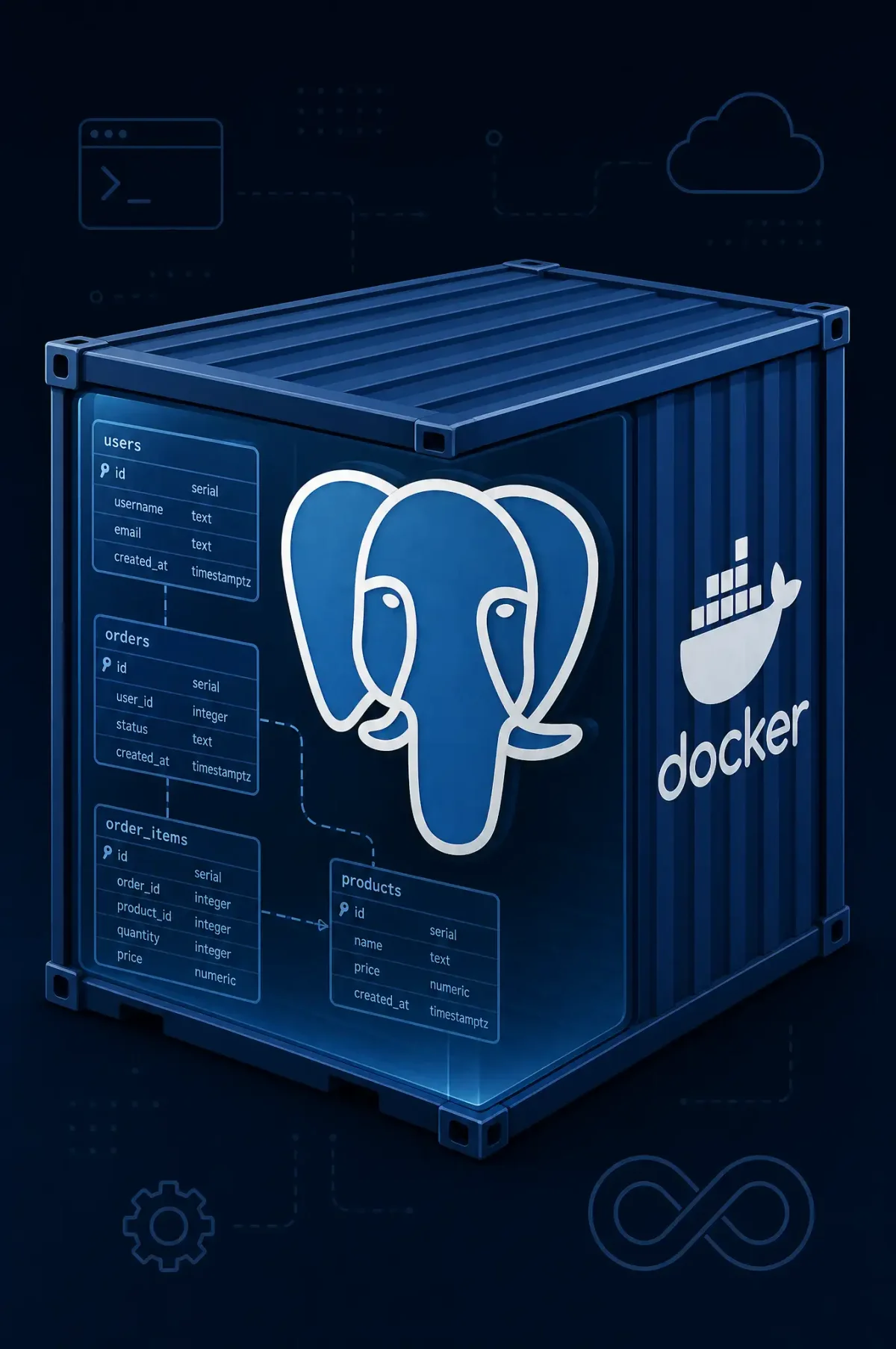
PostgreSQL containers provide flexible database deployment while ensuring consistent environments across development and production. Docker containerization simplifies PostgreSQL installation, configuration management, and scaling. This guide covers production-ready PostgreSQL container deployment with persistent storage, backup strategies, and security configuration.
Database containers require careful consideration of data persistence, performance tuning, and high availability. Unlike stateless applications, database containers must preserve data across restarts while maintaining performance characteristics appropriate for production workloads.
PostgreSQL’s robust feature set complements container deployment patterns. Streaming replication, point-in-time recovery, and extensive extension support make PostgreSQL suitable for demanding applications. Container orchestration platforms enhance these capabilities with automated failover and horizontal scaling.
Basic PostgreSQL Container Deployment
Single-instance PostgreSQL containers suit development environments and applications without high availability requirements.
Running PostgreSQL Container
The official PostgreSQL image provides robust functionality with minimal configuration:
# Run basic PostgreSQL container
docker run -d \
  --name postgres-server \
  -e POSTGRES_PASSWORD=secure-password \
  -e POSTGRES_USER=appuser \
  -e POSTGRES_DB=appdb \
  -v postgres-data:/var/lib/postgresql/data \
  -p 5432:5432 \
  postgres:15

# Verify container is running
docker ps | grep postgres

# Test connection
docker exec postgres-server psql -U appuser -d appdb -c "SELECT version();"
Volume mounts preserve database data across container lifecycle. Docker manages volume lifecycle separately from containers, ensuring data persistence during updates and restarts.
Connection Configuration
Configure client connections for remote access:
# Run with custom configuration
docker run -d \
  --name postgres-configured \
  -e POSTGRES_PASSWORD=secure-password \
  -e POSTGRES_USER=appuser \
  -e POSTGRES_DB=appdb \
  -v postgres-data:/var/lib/postgresql/data \
  -v $(pwd)/postgresql.conf:/etc/postgresql/postgresql.conf:ro \
  -v $(pwd)/pg_hba.conf:/etc/postgresql/pg_hba.conf:ro \
  -p 5432:5432 \
  postgres:15 \
  -c 'config_file=/etc/postgresql/postgresql.conf'
Custom configuration files enable tuning appropriate for production workloads. The -c flag passes configuration parameters to the PostgreSQL process.
Environment Variables Reference
PostgreSQL image uses specific environment variables:
# Essential variables
POSTGRES_PASSWORD      # Required: superuser password
POSTGRES_USER          # Default: postgres
POSTGRES_DB           # Default: same as POSTGRES_USER

# Optional initialization scripts
POSTGRES_INITDB_ARGS   # Arguments to initdb command
POSTGRES_INITDB_WAL_DIR  # WAL directory location
Initialization scripts in /docker-entrypoint-initdb.d/ execute during first container startup, enabling database schema creation and initial data population.
Configuration Management
Custom PostgreSQL configurations optimize performance and enable security features.
Performance Tuning
Create custom postgresql.conf for production workloads:
# postgresql.conf
listen_addresses = '*'

# Memory configuration
shared_buffers = 4GB
effective_cache_size = 12GB
work_mem = 256MB
maintenance_work_mem = 1GB

# Write performance
wal_buffers = 64MB
checkpoint_completion_target = 0.9
max_wal_size = 4GB
min_wal_size = 1GB

# Connection configuration
max_connections = 200
tcp_keepalives_idle = 60
tcp_keepalives_interval = 10
tcp_keepalives_count = 5

# Query optimization
random_page_cost = 1.1
effective_io_concurrency = 200

# Logging
log_statement = 'ddl'
log_min_duration_statement = 1000
log_connections = on
log_disconnections = on

# Security
password_encryption = scram-sha-256
Apply configuration through volume mounts or command-line parameters.
Authentication Configuration
Configure pg_hba.conf for appropriate authentication:
# pg_hba.conf
# TYPE  DATABASE        USER            ADDRESS                 METHOD

# Local connections
local   all             all                                     trust

# IPv4 local network
host    all             all             127.0.0.1/32            scram-sha-256

# IPv6 local network
host    all             all             ::1/128                 scram-sha-256

# Application network
host    appdb           appuser         10.0.0.0/8              scram-sha-256
host    all             admin           192.168.0.0/16         scram-sha-256

# Replication connections
host    replication     replicator      10.0.0.0/8              scram-sha-256
Authentication methods balance security with operational requirements. scram-sha-256 provides strong password authentication. Certificate-based authentication suits high-security environments.
Docker Compose Configuration
Define complete PostgreSQL deployment with Docker Compose:
# docker-compose.postgres.yml
version: '3.8'

services:
  postgres:
    image: postgres:15-alpine
    container_name: postgres-server
    environment:
      POSTGRES_PASSWORD: ${POSTGRES_PASSWORD}
      POSTGRES_USER: appuser
      POSTGRES_DB: appdb
    volumes:
      - postgres-data:/var/lib/postgresql/data
      - ./postgresql.conf:/etc/postgresql/postgresql.conf:ro
      - ./pg_hba.conf:/etc/postgresql/pg_hba.conf:ro
      - ./init-scripts:/docker-entrypoint-initdb.d/:ro
    ports:
      - "5432:5432"
    command: >
      postgres
      -c 'config_file=/etc/postgresql/postgresql.conf'
    healthcheck:
      test: ["CMD-SHELL", "pg_isready -U appuser -d appdb"]
      interval: 10s
      timeout: 5s
      retries: 5
    deploy:
      resources:
        limits:
          memory: 8G
        reservations:
          memory: 4G

volumes:
  postgres-data:
Health checks enable orchestration platform integration for reliable service discovery.
Backup and Recovery
Database backups protect against data loss from hardware failure, human error, and corruption.
Continuous Archiving with WAL
Configure continuous archiving for point-in-time recovery:
# postgresql.conf WAL configuration
wal_level = replica
archive_mode = on
archive_command = '/usr/bin/wal-g archive-push %p -d /var/lib/wal-g'

# Include WAL files in base backup
full_page_writes = on
wal_log_hints = on
WAL archiving enables recovery to any point since the last base backup, minimizing potential data loss.
Base Backup Procedures
Create regular base backups for disaster recovery:
# Create base backup using pg_basebackup
docker exec postgres-server \
  pg_basebackup -D /var/lib/postgresql/backups/base \
  -U replication -Fp -Xs -P -R

# Compress and archive backup
tar -czvf pg-backup-$(date +%Y%m%d).tar.gz -C /backups base/
Schedule base backups according to recovery time objectives. Weekly base backups combined with continuous WAL archiving enable point-in-time recovery with minimal data loss.
Point-in-Time Recovery
Restore to specific points in time using archived WAL files:
# Stop PostgreSQL
docker stop postgres-server

# Move corrupted data directory
mv postgres-data postgres-data-corrupt

# Create new data directory
docker run --rm -v postgres-data:/var/lib/postgresql/data \
  -v postgres-backups:/backups:ro \
  postgres:15-alpine \
  mkdir -p /var/lib/postgresql/data

# Create recovery.conf
cat > postgres-data/recovery.conf <<EOF
restore_command = 'cp /backups/wal/%f %p'
recovery_target_time = '2026-02-08 14:00:00 UTC'
recovery_target_action = 'promote'
EOF

# Start PostgreSQL
docker start postgres-server
Point-in-time recovery requires WAL archives containing the target recovery point. Test recovery procedures regularly to verify backup integrity.
Docker-Specific Backup Strategies
Containerized backups use volume mounts and temporary containers:
# Simple pg_dump backup
docker exec postgres-server \
  pg_dump -U appuser appdb > backup-$(date +%Y%m%d).sql

# Compressed backup
docker exec postgres-server \
  pg_dump -U appuser appdb | gzip > backup-$(date +%Y%m%d).sql.gz

# Backup with custom format
docker exec postgres-server \
  pg_dump -U appuser -F c appdb > backup-$(date +%Y%m%d).custom

# Scheduled backup script
#!/bin/bash
BACKUP_DIR="/backups/postgres"
DATE=$(date +%Y%m%d-%H%M%S)

docker exec postgres-server \
  pg_dump -U appuser appdb | gzip > $BACKUP_DIR/$DATE.sql.gz

# Keep last 30 days
find $BACKUP_DIR -name "*.gz" -mtime +30 -delete
pg_dump creates logical backups portable across PostgreSQL versions. Physical backups with pg_basebackup enable faster recovery but require matching versions.
High Availability
PostgreSQL streaming replication provides real-time data synchronization between primary and replica servers.
Setting Up Streaming Replication
Configure primary for replication:
# Primary postgresql.conf
wal_level = replica
max_wal_senders = 5
max_replication_slots = 5
wal_keep_size = 1GB

# Create replication user
docker exec postgres-server psql -U postgres -c \
  "CREATE USER replicator WITH REPLICATION PASSWORD 'secure-password';"
Configure replica for streaming:
# Replica postgresql.conf
hot_standby = on

# Create recovery.conf for replication
cat > /var/lib/postgresql/data/recovery.conf <<EOF
primary_conninfo = 'host=postgres-primary user=replicator password=secure-password'
standby_mode = on
trigger_file = '/var/lib/postgresql/data/failover_trigger'
EOF

# Clone primary using pg_basebackup
docker run --rm \
  -v postgres-replica:/var/lib/postgresql/data \
  -v postgres-primary-data:/source:ro \
  postgres:15-alpine \
  sh -c "pg_basebackup -h postgres-primary -U replicator -D /var/lib/postgresql/data -Fp -Xs -P -R"
Streaming replication provides real-time data synchronization. Replicas accept read queries, distributing load across primary and replicas.
Automatic Failover with Patroni
Patroni provides automated failover and configuration management for PostgreSQL clusters:
# docker-compose.patroni.yml
version: '3.8'

services:
  patroni:
    image: patroni:latest
    container_name: patroni-node
    environment:
      PATRONI_NAME: ${HOSTNAME}
      PATRONI_SCOPE: postgres-cluster
      PATRONI_RESTAPI_ADDRESS: 0.0.0.0:8008
      PATRONI_POSTGRESQL_DATA_DIR: /data/postgres
      PATRONI_POSTGRESQL_PGPASS: /tmp/pgpass
      PATRONI_REPLICATION_USERNAME: replicator
      PATRONI_REPLICATION_PASSWORD: ${REPLICATION_PASSWORD}
      PATRONI_SUPERUSER_USERNAME: postgres
      PATRONI_SUPERUSER_PASSWORD: ${POSTGRES_PASSWORD}
    volumes:
      - patroni-data:/data
      - postgres-wal:/wal
    command: >
      patroni /data/postgres
    depends_on:
      - etcd

  etcd:
    image: etcd:latest
    container_name: etcd
    environment:
      ETCTL_DATA_DIR: /etcd
    volumes:
      - etcd-data:/etcd

volumes:
  patroni-data:
  postgres-wal:
  etcd-data:
Patroni manages leader election, failover, and configuration synchronization. Consul, ZooKeeper, or Kubernetes can replace etcd for coordination.
Security Configuration
Database security requires multiple layers of protection.
Network Security
Restrict PostgreSQL network access:
# Run PostgreSQL on internal network only
docker network create postgres-network

docker run -d \
  --name postgres-internal \
  --network postgres-network \
  -e POSTGRES_PASSWORD=secure-password \
  postgres:15

# Only expose port on specific interface
docker run -d \
  --name postgres-secure \
  --network postgres-network \
  -p 127.0.0.1:5432:5432 \
  -e POSTGRES_PASSWORD=secure-password \
  postgres:15
Application containers access PostgreSQL through Docker network while external access requires explicit port binding.
SSL/TLS Configuration
Enable encrypted connections:
# Generate SSL certificate
openssl req -new -x509 -days 365 -nodes \
  -text -out server.crt \
  -keyout server.key \
  -subj "/CN=postgres-server"

# Configure PostgreSQL for SSL
cat >> postgresql.conf <<EOF
ssl = on
ssl_cert_file = '/etc/ssl/certs/server.crt'
ssl_key_file = '/etc/ssl/private/server.key'
EOF

# Update pg_hba.conf for SSL required
hostssl all all 0.0.0.0/0 scram-sha-256
SSL encryption protects data in transit between applications and PostgreSQL. Certificate verification prevents man-in-the-middle attacks.
Role-Based Access Control
Implement principle of least privilege:
# Create application role
CREATE ROLE appuser LOGIN PASSWORD 'secure-password';
GRANT CONNECT ON DATABASE appdb TO appuser;
GRANT USAGE ON SCHEMA public TO appuser;
GRANT SELECT, INSERT, UPDATE, DELETE ON ALL TABLES IN SCHEMA public TO appuser;

# Create readonly role
CREATE ROLE readonly LOGIN PASSWORD 'readonly-password';
GRANT CONNECT ON DATABASE appdb TO readonly;
GRANT USAGE ON SCHEMA public TO readonly;
GRANT SELECT ON ALL TABLES IN SCHEMA public TO readonly;

# Create monitoring role
CREATE ROLE monitor LOGIN PASSWORD 'monitor-password';
GRANT CONNECT ON DATABASE appdb TO monitor;
GRANT SELECT ON ALL TABLES IN SCHEMA public TO monitor;
GRANT EXECUTE ON FUNCTION pg_stat_activity() TO monitor;
Application roles receive minimum permissions required for operation. Separate read-only roles enable monitoring without write access.
Conclusion
PostgreSQL containers provide flexible database deployment suitable for development through production. Configuration management, backup strategies, and security hardening ensure reliable database operations. High availability through streaming replication protects against single points of failure.
Evaluate managed PostgreSQL services when operational overhead exceeds team capacity. Self-hosted deployments provide maximum control but require ongoing maintenance attention. Consider Patroni for automated failover when high availability is critical.
Related Posts: