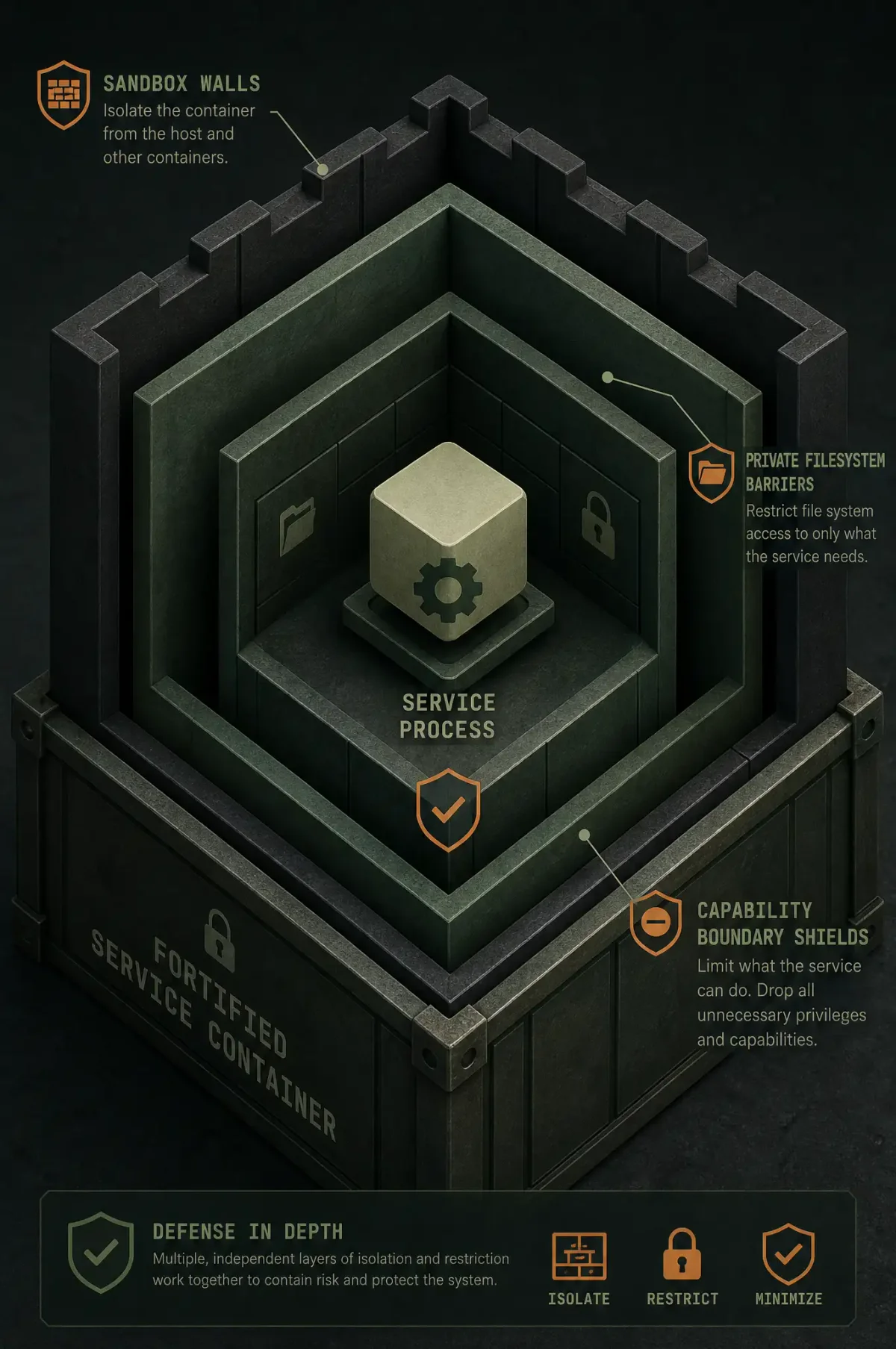
Defense in Depth for Services
A compromised service should not become a compromised server. Systemd provides built-in sandboxing that works with any service — no code changes needed.
Apply hardening via drop-in:
sudo systemctl edit my-service.serviceCore Directives
Filesystem isolation:
[Service]
ProtectHome=yes
ProtectSystem=strict
PrivateTmp=yes
ReadWritePaths=/var/lib/my-service /var/log/my-service
Network restrictions:
PrivateNetwork=yes  # No network at all
# Or: RestrictAddressFamilies=AF_INET AF_INET6 AF_UNIX
Capability and syscall filtering:
CapabilityBoundingSet=CAP_NET_BIND_SERVICE
NoNewPrivileges=yes
SystemCallFilter=@system-service
SystemCallFilter=~@privileged @resources
Kernel protection:
ProtectKernelModules=yes
ProtectKernelTunables=yes
ProtectKernelLogs=yes
Memory hardening:
MemoryDenyWriteExecute=yesFull Example: Hardened Nginx
[Service]
ProtectSystem=strict
ProtectHome=yes
PrivateTmp=yes
ReadWritePaths=/var/log/nginx /var/cache/nginx /var/run
RestrictAddressFamilies=AF_INET AF_INET6 AF_UNIX
CapabilityBoundingSet=CAP_NET_BIND_SERVICE
NoNewPrivileges=yes
PrivateDevices=yes
ProtectKernelModules=yes
ProtectKernelTunables=yes
SystemCallFilter=@system-service
SystemCallFilter=~@privileged @resources
MemoryDenyWriteExecute=yes
Auditing
systemd-analyze security nginx.serviceAim for a score above 8.0. Start with ProtectSystem=strict and NoNewPrivileges=yes — they provide the most benefit with the fewest breakages. Add directives incrementally, testing after each change.
Common Breakages
Nginx can’t write logs → add /var/log/nginx to ReadWritePaths. Docker needs CAP_NET_ADMIN. Database needs data directory in ReadWritePaths. Test with ausearch -m AVC -ts recent to see denials.