What Lynis Audits
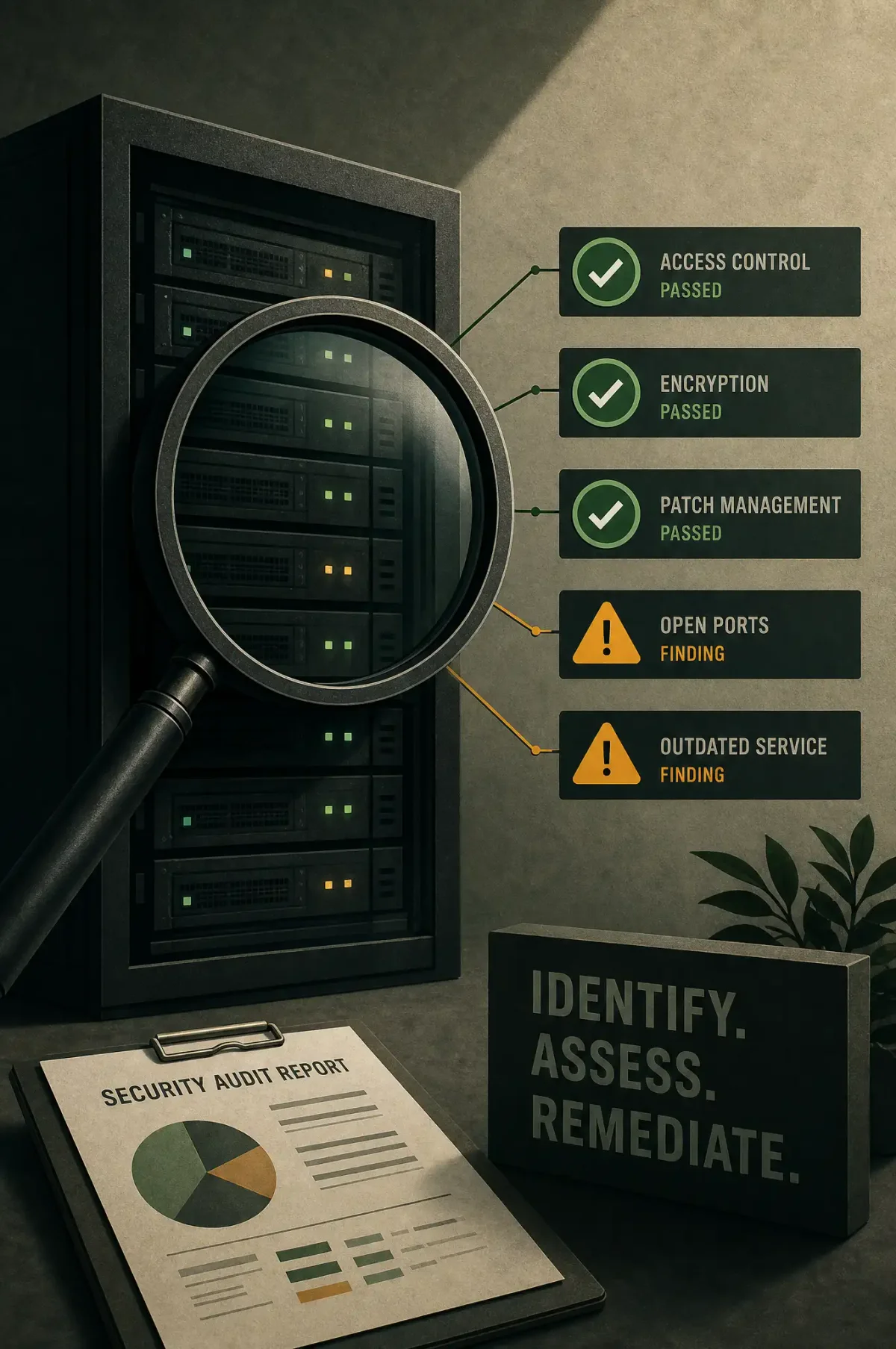
Lynis is an open-source security auditing tool that scans your Linux system for vulnerabilities, misconfigurations, and compliance gaps. It checks over 300 items across authentication, file permissions, kernel parameters, installed packages, logging, and network configuration. After a scan, it produces a report with findings, suggestions, and a hardening score.
Installation
# Via apt
sudo apt install lynis -y

# Or from source for the latest version
git clone https://github.com/CISOfy/lynis
cd lynis
Running a Full Audit
sudo lynis audit systemThe scan takes 2-5 minutes and produces output to the terminal and /var/log/lynis.log. At the end, you’ll see:
Lynis security scan details:
  Hardening index : 67 [########......]
  Tests performed : 258
  Plugins enabled : 0
The hardening index is a score from 0-100. Below 60 needs immediate attention. 60-80 is decent. Above 80 is well-hardened.
Understanding the Report
The full report is at /var/log/lynis-report.dat. Key sections:
# View the report
sudo cat /var/log/lynis-report.dat

# Filter for warnings
sudo grep "warning" /var/log/lynis.log

# Filter for suggestions
sudo grep "suggestion" /var/log/lynis.log
Warnings indicate configuration issues. Suggestions are recommendations for improvement. Not every suggestion applies to every environment — use judgment.
Common Findings and Fixes
“No password set for single-user mode” (SUG-0214):
# Set a root password for recovery mode
sudo passwd root
“Default umask could be more strict” (AUTH-9328):
# /etc/login.defs
UMASK 027
“Sysstat is not installed” (ACCT-9630):
sudo apt install sysstat -y
sudo systemctl enable sysstat
“SSH option PermitRootLogin should be set to ‘no’” (SSH-7412):
# /etc/ssh/sshd_config
PermitRootLogin no
“No firewall found” (FIRE-4512):
sudo apt install ufw -y
sudo ufw allow ssh
sudo ufw enable
“Kernel parameters could be hardened” (KRNL-6000):
# /etc/sysctl.d/99-hardening.conf
net.ipv4.tcp_syncookies = 1
net.ipv4.conf.all.rp_filter = 1
net.ipv4.conf.all.accept_source_route = 0
net.ipv4.conf.all.accept_redirects = 0
net.ipv4.conf.all.secure_redirects = 0
Running Targeted Audits
Focus on specific areas:
# Only authentication checks
sudo lynis audit system --tests-from-group authentication

# Only kernel checks
sudo lynis audit system --tests-from-group kernel

# Only networking
sudo lynis audit system --tests-from-group networking
Customizing the Audit
Create a custom profile to skip tests that don’t apply:
# /etc/lynis/custom.prf
skip-test=SSH-7408  # Skip SSH protocol version check if using modern SSH
skip-test=PKGS-7392  # Skip package audit if using custom repos
Automating Lynis
Schedule weekly scans with systemd timer:
# /etc/systemd/system/lynis-audit.service
[Unit]
Description=Lynis security audit

[Service]
Type=oneshot
ExecStart=/usr/sbin/lynis audit system --cronjob --quiet
# /etc/systemd/system/lynis-audit.timer
[Unit]
Description=Weekly Lynis audit
[Timer]
OnCalendar=Mon *-*-* 03:00:00
Persistent=true
[Install]
WantedBy=timers.targetThe --cronjob flag makes Lynis run non-interactively and automatically upload data (opt-in) to the Lynis community for benchmarking.
Tracking Improvement Over Time
Compare reports:
# Save report after each scan
sudo cp /var/log/lynis-report.dat /var/log/lynis/lynis-report-$(date +%Y%m%d).dat

# Compare hardening index over time
grep "hardening_index" /var/log/lynis/lynis-report-*.dat
Integrating with Compliance
Lynis maps findings to compliance standards (PCI-DSS, HIPAA, ISO 27001, SOC 2). Generate a compliance report:
# Show what's tested for specific standards
sudo lynis show details PCI-DSS
sudo lynis show details HIPAA
Caveats
- Lynis flags issues that may be intentional in your environment. Don’t blindly apply every suggestion.
- Some tests require specific packages. Lynis skips them gracefully.
- Lynis is a point-in-time audit. Combine with file integrity monitoring (AIDE) and intrusion detection (auditd) for continuous security.
Summary
Run lynis audit system monthly, address warnings first, then work through suggestions. Track your hardening index over time — it’s a simple metric that shows whether your security posture is improving or degrading.