What auditd Tracks
The Linux Audit daemon (auditd) hooks into the kernel to log every system call, file access, and privilege change. It’s the most comprehensive security monitoring tool available on Linux and it’s required for many compliance frameworks (PCI-DSS, HIPAA, SOC 2).
Auditd can track:
- File reads, writes, and attribute changes
- System call invocations (execve, open, connect)
- User logins and privilege escalations
- Changes to audit configuration itself
- Network connections (with
-F arch=b64 -S connect)
Installation and Basic Setup
sudo apt install auditd audispd-plugins -y
sudo systemctl enable auditd --now
The main config file is /etc/audit/auditd.conf. Key settings:
local_events = yes
write_logs = yes
log_file = /var/log/audit/audit.log
log_format = ENRICHED
log_group = adm
priority_boost = 4
flush = INCREMENTAL_ASYNC
freq = 50
num_logs = 5
max_log_file = 50
max_log_file_action = ROTATE
space_left = 75
space_left_action = SYSLOG
action_mail_acct = admin@example.com
admin_space_left = 50
admin_space_left_action = SUSPEND
disk_full_action = SUSPEND
Writing Audit Rules
Rules go in /etc/audit/rules.d/. Create a file like 10-base.rules:
# Delete all existing rules first
-D

# Set buffer size (increase for busy systems)
-b 8192

# Failure mode: 1=printk, 2=panic
-f 1

# Monitor /etc/passwd for changes
-w /etc/passwd -p wa -k identity_changes
-w /etc/shadow -p wa -k identity_changes
-w /etc/group -p wa -k identity_changes
-w /etc/sudoers -p wa -k sudoers_changes

# Monitor SSH config
-w /etc/ssh/sshd_config -p wa -k sshd_config

# Track all command executions
-a always,exit -F arch=b64 -S execve -k command_exec
-a always,exit -F arch=b32 -S execve -k command_exec

# Monitor failed file access attempts
-a always,exit -F arch=b64 -S open -F success=0 -k failed_access

# Monitor privilege escalation
-a always,exit -F arch=b64 -S setuid -S setreuid -S setresuid -k priv_esc
Apply rules:
sudo augenrules --load
sudo systemctl restart auditd
Check loaded rules:
sudo auditctl -lQuerying Audit Logs
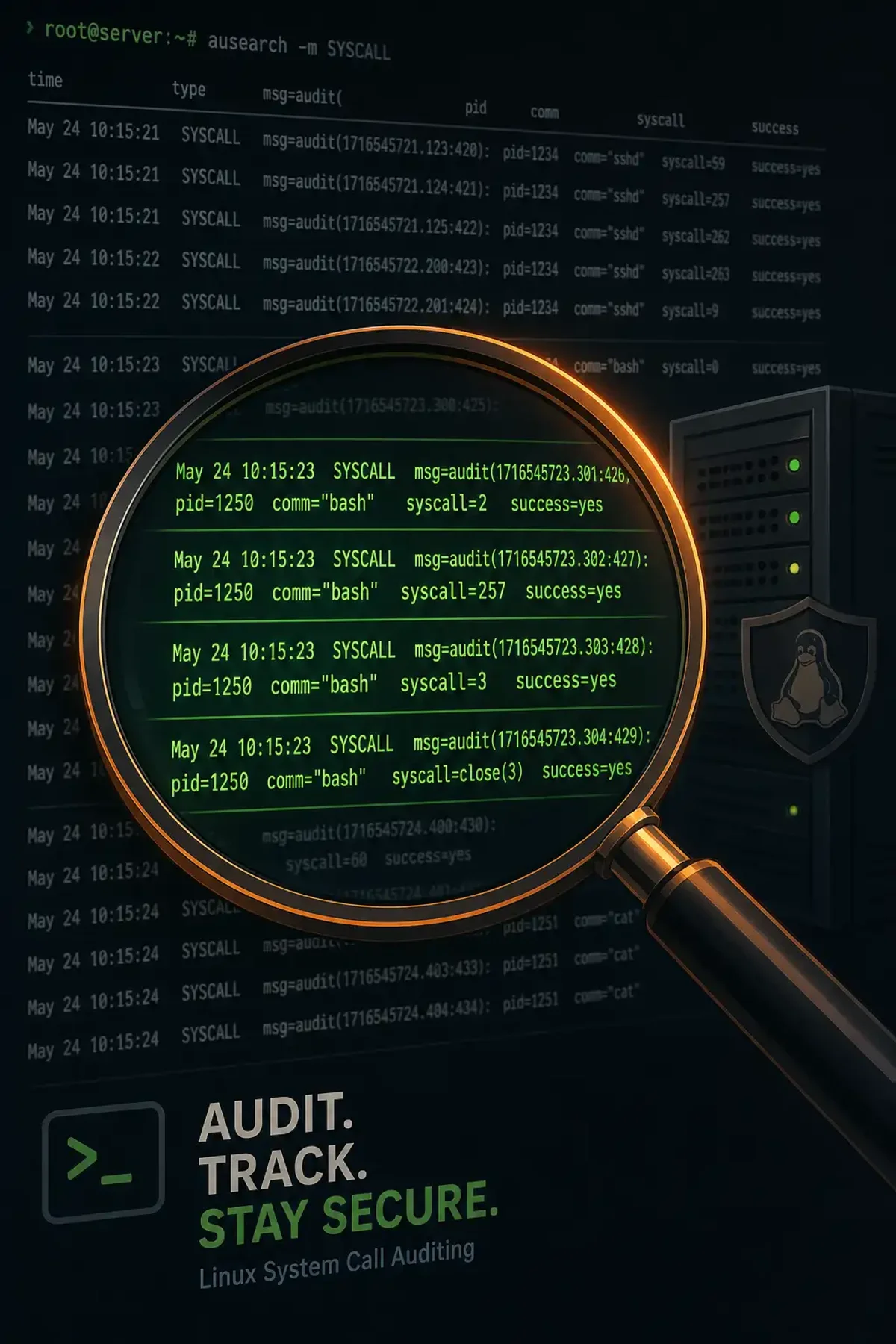
ausearch queries the audit log:
# All events from today
sudo ausearch --start today

# Events for a specific key
sudo ausearch -k command_exec --start today

# Failed events only
sudo ausearch --start today --success no

# Events for a specific user
sudo ausearch -ua root --start today

# Specific time window
sudo ausearch --start 04/03/2026 08:00:00 --end 04/03/2026 12:00:00

# Interpret numeric values
sudo ausearch -k priv_esc -i --start today
aureport generates summary reports:
# Authentication attempts
sudo aureport -au --start today

# Executable invocations
sudo aureport -x --start today

# File access summary
sudo aureport -f --start today

# Anomaly report
sudo aureport -an --start this-week
Setting Up Alerts with audisp
The audit dispatcher (audisp) can send events to external programs. Create /etc/audisp/plugins.d/alert.conf:
active = yes
direction = out
path = /usr/local/bin/audit-alert.sh
type = always
format = string
The alert script (/usr/local/bin/audit-alert.sh):
#!/bin/bash
# Read audit event from stdin
EVENT=$(cat)
if echo "$EVENT" | grep -q "priv_esc"; then
    echo "ALERT: Privilege escalation detected" | \
        mail -s "Security Alert" admin@example.com
fi
Performance Considerations
Auditd can generate massive log volume. To keep it manageable:
# Set rate limit (events per second)
sudo auditctl -r 500

# Check current rate
sudo auditctl -s

# Monitor backlog
sudo auditctl -s | grep backlog
If the backlog grows, increase the buffer or reduce the rule set. A full backlog causes the kernel to block auditable events, which can freeze system calls.
Compliance Use Cases
PCI-DSS Requirement 10: Track all access to cardholder data.
-w /var/www/app/data/ -p rwa -k cardholder_dataFile Integrity: Monitor critical system binaries:
-w /bin/ -p x -k bin_executions
-w /usr/bin/ -p x -k bin_executions
-w /sbin/ -p x -k bin_executions
Integration with SIEM
Forward audit logs to your SIEM:
# Install the syslog plugin
sudo apt install audispd-plugins
# Enable syslog forwarding in /etc/audisp/plugins.d/syslog.conf
active = yes
Auditd gives you the raw kernel-level visibility that userspace tools can’t match. Start with the base rules above and expand based on what your compliance framework requires.