Why Multi-Architecture Images
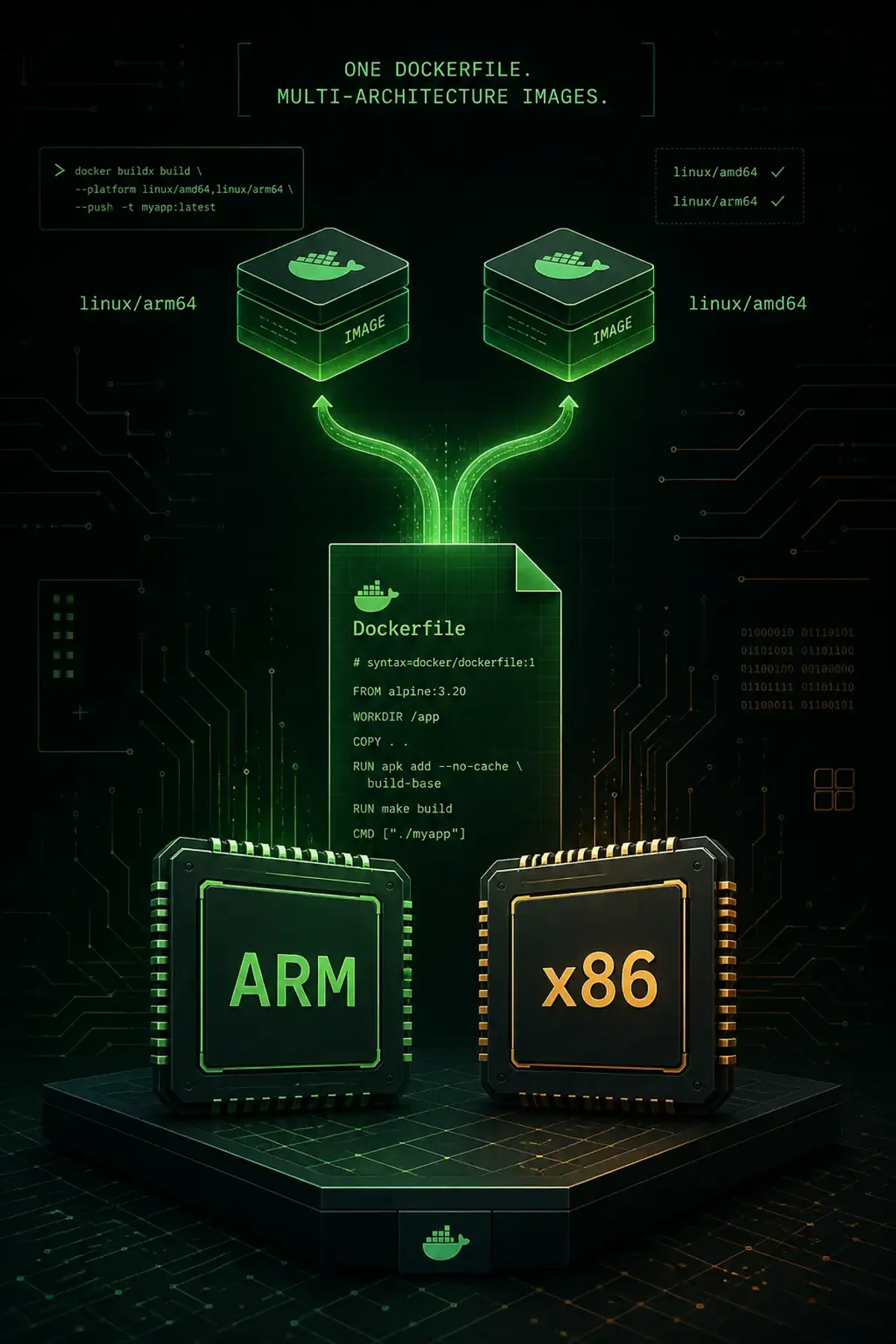
Apple Silicon Macs run ARM64. Cloud servers run AMD64. Your Raspberry Pi cluster runs ARM. Build a Docker image on your M2 MacBook and push it — it won’t run on your x86 production server without emulation, and emulation is painfully slow.
Multi-architecture images contain platform-specific layers under a single tag. Docker automatically pulls the right variant for the host architecture.
Setting Up buildx
docker buildx create --name multiarch --driver docker-container --use
docker buildx inspect --bootstrap
The docker-container driver creates a BuildKit container that can emulate other architectures via QEMU.
Building for Multiple Platforms
docker buildx build --platform linux/amd64,linux/arm64 \
  --tag myregistry.com/app:latest --push .
The --push flag is required because BuildKit cannot load multi-platform images into the local store. Use --load for single-platform local testing.
Platform-Aware Dockerfiles
FROM alpine:3.20
ARG TARGETARCH

RUN case ${TARGETARCH} in \
    amd64) echo "x86_64" ;; \
    arm64) echo "aarch64" ;; \
    *) echo "unknown" ;; esac > /etc/arch
Available build args: TARGETARCH (amd64, arm64), TARGETOS, TARGETVARIANT.
QEMU Emulation
docker run --privileged --rm tonistiigi/binfmt --install allThis registers QEMU as a binfmt_misc handler. Verify:
docker buildx build --platform linux/arm64 --tag test:arm64 --load .
docker run --rm test:arm64 uname -m  # aarch64
CI/CD with GitHub Actions
- uses: docker/setup-buildx-action@v3
- uses: docker/build-push-action@v6
  with:
    platforms: linux/amd64,linux/arm64
    push: true
    tags: registry.example.com/app:${{ github.sha }}
Inspecting Images
docker buildx imagetools inspect myregistry.com/app:latestShows the manifest list and each platform-specific digest.
Cross-Compilation for Speed
Emulation is 5-10x slower than native. For production ARM builds, use cross-compilation:
FROM --platform=$BUILDPLATFORM golang:1.22 AS builder
ARG TARGETARCH
RUN CGO_ENABLED=0 GOARCH=$TARGETARCH go build -o /app .
This builds on the native platform and cross-compiles for the target — much faster than emulating the entire build.
Common Issues
“exec format error” = architecture mismatch. Slow builds = falling back to QEMU emulation. Missing base image for a platform = check Docker Hub for multi-arch support. Production ARM builds = use native ARM runners (AWS Graviton, Raspberry Pi CI node).
Summary
Multi-arch builds require buildx + QEMU or native builders. Use --platform in your build command, --push to publish, and ARG TARGETARCH for platform-specific logic. Test on actual hardware before shipping to production.