Docker has been the default container runtime for self-hosters for the better part of a decade. If you run a homelab, you probably have an /opt/docker directory full of docker-compose.yml files and a cron job that runs docker compose pull && docker compose up -d every Sunday morning. It works reliably. Until it doesn’t — and when it doesn’t, figuring out why can take longer than the original setup.
A growing number of homelabbers are moving away from Docker, and the reasons aren’t ideological. Nobody is leaving Docker because of license changes or corporate politics. They’re leaving because of practical pain points: security concerns with the root-level daemon that runs everything, troubleshooting friction when Compose stacks break in the middle of the night, and the slow realization that systemd already does most of what Compose does, just with better integration into the operating system. If your server already runs systemd — and every modern Linux distribution does — why maintain a separate service manager for containers?
The Root Problem
Docker’s architecture centers on a single daemon process — dockerd — that runs as root. Every container on your system depends on that process. Every Compose stack you deploy relies on it. The convenience is real: one command to start everything, one command to stop everything, one configuration syntax to learn.
The tradeoff is that if a container gets compromised and an attacker manages to break out, the blast radius includes your entire system. Not just the container. Not just the stack. The host itself. For a homelab server sitting on your home network, often with SSH keys to other machines and access to your NAS, that’s not a theoretical concern. It’s the kind of thing that turns a compromised media server into a compromised home network.
Rootless Docker was supposed to fix this, and it technically exists. But in practice, many off-the-shelf Compose files assume root access: port 80 and 443 binding, device passthrough for hardware transcoding, volume mounts that need filesystem-level permissions. Switching to rootless mode often means spending an evening debugging why your reverse proxy suddenly can’t bind to the standard ports and your Plex container can’t access the iGPU. The fix isn’t always obvious, and the documentation assumes you’re running as root.
Podman takes a fundamentally different approach to this problem. It’s daemonless and rootless by default. Containers run directly as the user who launched them, without a background process mediating every operation. There’s no dockerd to compromise because there’s no daemon at all. If a container breaks out under Podman, it’s contained to the user’s permissions — not root. For anyone exposing services to the internet through a reverse proxy, that architectural difference isn’t academic. It’s the difference between a contained incident and a full system rebuild.
The migration path is smoother than you might expect. Podman ships with podman-compose, which reads standard Docker Compose files and runs them under Podman’s runtime. For most stacks, the switch is:
# Install Podman
sudo apt install podman podman-compose

# Run your existing Compose stack
podman-compose up -d
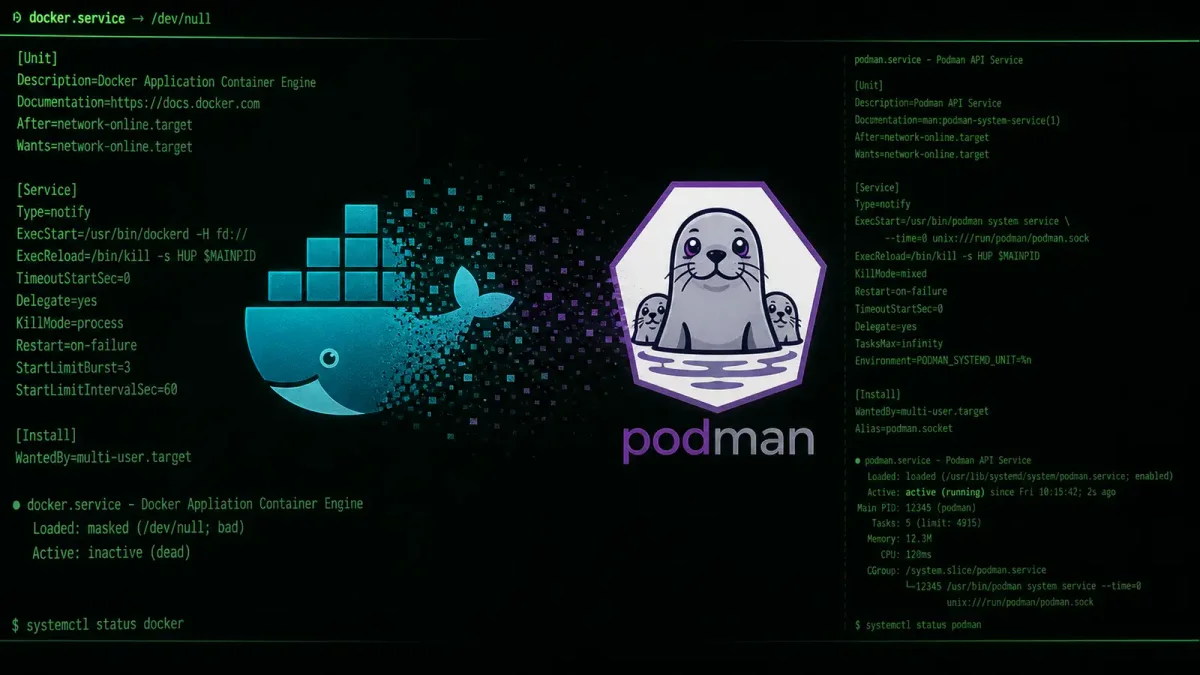
But the real upgrade isn’t Podman itself — it’s Quadlet. Podman handles the container runtime. Quadlet handles the service management, and it does it by integrating directly with systemd instead of reinventing the wheel.
Quadlet: Containers as systemd Units
Quadlet, bundled with Podman since version 4.4, lets you define containers as systemd unit files. Instead of writing YAML in a Compose file, you write a .container file that systemd understands natively.
Here’s what a Quadlet file for Nginx looks like:
# /etc/containers/systemd/nginx.container
[Container]
Image=docker.io/library/nginx:latest
PublishPort=8080:80
Volume=/srv/nginx/html:/usr/share/nginx/html:Z

[Service]
Restart=always

[Install]
WantedBy=multi-user.target
Drop that file in /etc/containers/systemd/, run systemctl daemon-reload, and you get:
systemctl start nginx
systemctl enable nginx
systemctl status nginx
journalctl -u nginx -f
Your containers now behave like any other system service. Logging goes to journald. Restart policies are handled by systemd. Health checks become systemd service dependencies. If you already know how to manage services on Linux, you already know how to manage Quadlet containers — no new CLI to learn, no separate logging system to query.
This is the feature that converted a lot of homelabbers. Docker Compose sits apart from the OS service manager — you use one set of commands (docker compose logs, docker compose ps) for your container stacks and a completely different set (journalctl, systemctl) for everything else on the system. Two logging systems to check when something breaks. Two restart mechanisms to configure. Two mental models to maintain.
With Quadlet, everything lives under systemd. One set of commands. One logging pipeline via journald. One way to think about services and their dependencies. Your Plex container shows up in systemctl status right next to your SSH daemon and your firewall. If your reverse proxy depends on your authentication service, you can express that as a systemd dependency and systemd handles the startup order automatically. This level of integration isn’t a cosmetic preference — it’s the difference between debugging a service outage by grepping through three different log files and debugging it with a single journalctl -u command.
When Docker Still Makes Sense
Docker isn’t going anywhere, and for a lot of self-hosters, it’s still the right call. The deciding factor usually comes down to three things.
First, ecosystem depth. The Docker Compose ecosystem is enormous. Sites like LinuxServer.io maintain hundreds of production-ready Compose stacks with automatic updates, health checks, and sane defaults. If you run a full arr-stack (Sonarr, Radarr, Prowlarr, Overseerr, qBittorrent, plus a media server), those Compose files have been battle-tested by thousands of users. Podman can run them, but the community support and documentation density still favor Docker.
Second, orchestration needs. If you’re running a single server, Compose or Quadlet both work fine. If you’re running three servers and want containers to move between them automatically, Docker Swarm or Kubernetes enter the picture. Podman can generate Kubernetes manifests from running containers, but the orchestration layer isn’t a drop-in replacement for Docker Swarm’s simplicity or k3s’s ubiquity in the homelab world.
Third, the GUI factor. Docker has Portainer, Dockge, and a dozen other management interfaces that make it easy to see what’s running, restart containers, and edit Compose files from a browser. Podman has Cockpit integration and the podman-desktop GUI, but neither matches Portainer’s polish for the “I just want to click restart and go back to bed” use case.
The decision isn’t ideological. It’s about whether root-level daemon security risk and troubleshooting friction actually cost you more than Docker’s ecosystem advantages save you. For a lot of homelabbers, the answer is increasingly yes — especially on single-server setups where Kubernetes is overkill and security actually matters because the server is exposed to the internet.
The Migration Checklist
If you’re convinced, here’s how to make the switch without breaking everything at 2am on a Tuesday.
Start with non-critical services. Migrate your Plex or Jellyfin container first, not your reverse proxy. If something breaks, your internet-facing services stay up and your family doesn’t notice. Pick one container, get it completely migrated and verified, then move to the next. Resist the urge to do everything at once.
Write Quadlet files incrementally. Start with the simplest container in your stack — something that just needs a port mapping and a volume mount. Get it running as a systemd unit. Then add networks. Then add environment variables. Then add dependencies between services. Don’t try to replicate a 200-line Compose file in one shot. You’ll get lost in the YAML-to-INI translation and give up.
Use podman-generate-systemd for existing containers if you already have things running under Podman. The command auto-generates unit files from running containers, and while the output isn’t as clean as hand-written Quadlet files, it’s a fast way to get things up. You can clean up the generated files later.
Keep your Compose files as documentation. Even after migrating everything to Quadlet, your old docker-compose.yml files are the best reference for environment variables, port mappings, and volume paths. Don’t delete them. Comment them out or rename them to .yml.bak instead.
Test your logging pipeline before migrating anything important. If your application logs to stdout, journald will capture it automatically. If it logs to a file inside the container, you’ll need to mount that file to the host or adjust the application’s logging config. The last thing you want after migration is to realize you can’t see why your database container keeps crashing.
Network carefully. Podman uses a different default network setup than Docker. Containers in the same pod share a network namespace by default (useful for sidecar patterns), but containers in separate pods need explicit network configuration. If your Compose stack relies on Docker’s default bridge network where all containers can reach each other by service name, test the equivalent in Podman before declaring victory.
The homelab tooling landscape shifts slowly, but the direction is clear. The root-daemon security model was always a compromise that most self-hosters accepted because the alternatives weren’t ready. Quadlet changed that equation. If you’re setting up a new homelab in 2026, starting with Podman and Quadlet saves you a migration later. If you’re maintaining an existing Docker setup that works, migrating one service at a time when you’re bored on a weekend is fine. Either way, it’s worth knowing what’s on the other side of the Docker fence.